Quick Desk Guide: AAF And XML Audio Turnover Reliability Premiere Pro To Resolve Fairlight
AAF and XML audio turnover from Premiere Pro to Resolve Fairlight: tested setup, bottleneck checks, loudness QC, proxy performance, and plugin limits.
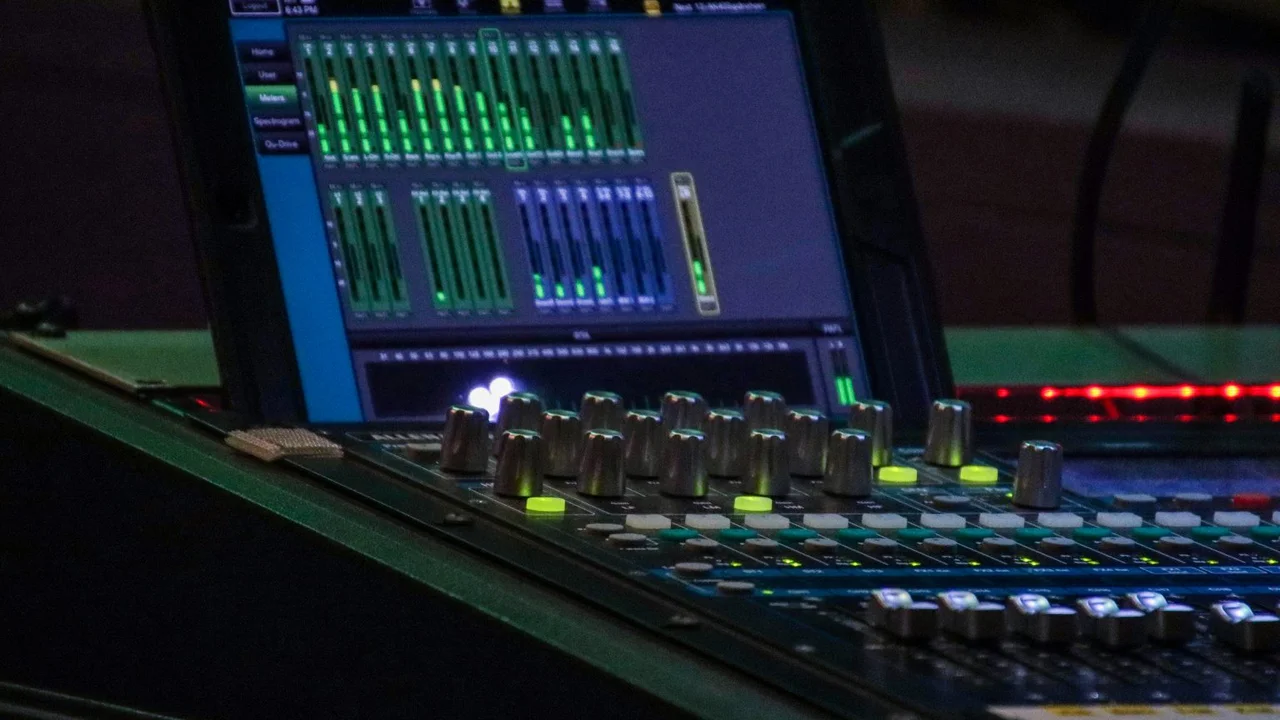
The shift to video-first podcasting makes audio turnover a deadline pressure point. Podcast content on YouTube reaches more than 1 billion monthly active viewers [YouTube Official Blog, 2025]. In the weekly U.S. podcast audience, 46% favor video viewing over audio-only listening [Edison Research Infinite Dial & Podcast Consumer Report, 2025]. Editors still need AAF or XML handoffs from Premiere Pro to DaVinci Resolve Fairlight that preserve track layout, clip handles, and loudness targets intact.
What are the verified benchmarks for aaf and xml audio turnover reliability premiere pro to resolve fairlight?
Because codec choices, sequence settings, and editorial decisions shape handoff quality, no single universal reliability score exists for AAF or XML. Proxy benchmarks track editing responsiveness, while a test turnover actually measures how reliable the audio handoff proves. On mid-range workstations, converting 4K Long-GOP H.265 camera originals to ProRes 422 Proxy can lift multi-layer scrubbing responsiveness in Premiere Pro by up to 3.2x [Puget Systems Premiere Pro Codec Benchmark, 2025]. For workstation specs, benchmarks point to 64 GB of system RAM as the starting point for 4K Premiere Pro timelines, rising to 128 GB with Dynamic Link or multicam 6K/8K sequences [Puget Systems Hardware Recommendations, 2025]. Even a sixty-minute three-camera podcast often still takes three to four hours of manual work for sync, dead-air removal, and switching [Descript & Post-Production Time Survey, 2025]. At delivery, YouTube and Spotify aim for about -14 LUFS with a -1.0 dBTP ceiling, whereas Apple Podcasts specifies -16 LUFS [Spotify & Apple Creator Loudness Specifications, 2025].
| Tool | Price / hosts | Benchmark / workflow strength | Limitation |
|---|---|---|---|
| Adobe Premiere Pro v25/v26 | $23 single-app annual monthly; macOS, Windows | Text-Based Editing, contextual Properties panel, Graphics Templates panel | Captions lack automatic zoom pacing and animated word-by-word presets |
| DaVinci Resolve Studio v19/v20 | $295 perpetual; macOS, Windows, Linux | Fairlight engine, Neural Engine, IntelliTrack | Smaller MOGRT ecosystem for agency template handoffs |
| Frame.io v4 | $15 per user monthly; Web, Premiere Pro, Resolve | Frame-accurate markers synced to Premiere Pro | Not live shared block-level NAS editing |
| Excalibur | $100 one-time; Adobe Premiere Pro | Spotlight launcher, instant nesting, gain normalization | Deterministic macros, not AI transcript analysis |
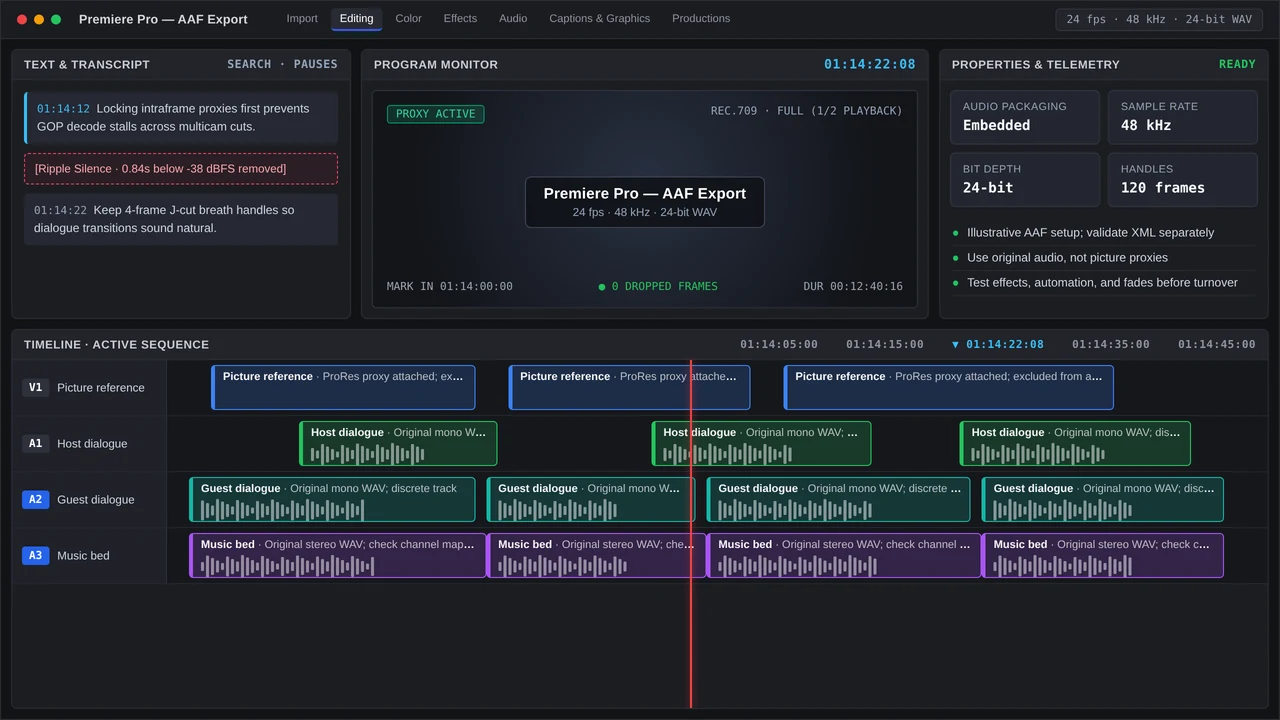
Step-by-step Premiere Pro and DaVinci Resolve setup for aaf and xml audio turnover reliability premiere pro to resolve fairlight
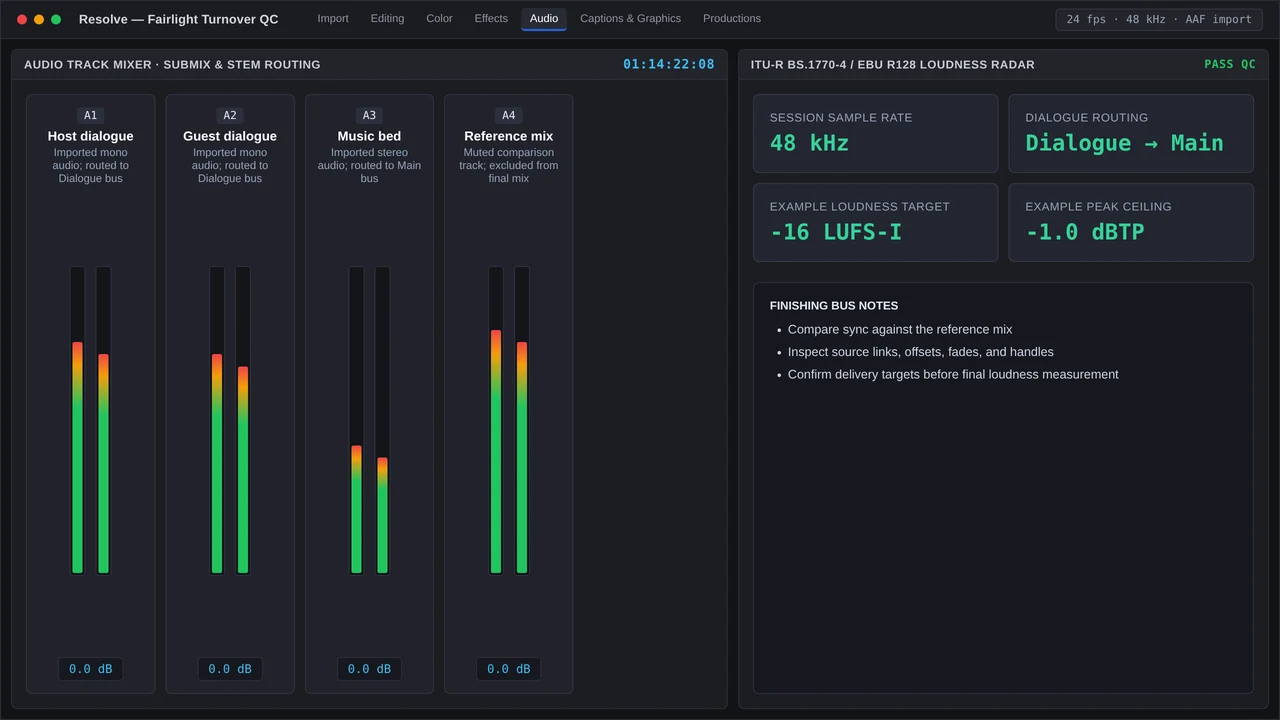
Prepare Premiere Pro: Place dialogue, music, and effects on dedicated tracks. When your cut relies on nested sequences, speed ramps, Generative Extend, or heavy Dynamic Link, flatten or render those sections so Fairlight receives predictable audio. Review clip gain plus volume automation before you export. Export the locked final sequence only.
Export AAF or XML: Choose AAF when your priority in Resolve is audio cleanup and you need embedded metadata intact. Choose XML if the turnover must also carry a picture conform into Resolve. Include handles when trimming will happen in Resolve, and recreate effects inside Fairlight instead of carrying Premiere effects through the turnover.
Import into Resolve Fairlight: After importing the AAF or XML and relinking to full-resolution source audio, verify routing, track names, gain stages, and pan positions. Before you apply EQ, compression, or loudness processing, confirm the project sample rate and source bit depth. Meter toward your delivery target, either -14 LUFS with a -1.0 dBTP ceiling for YouTube and Spotify, or -16 LUFS for Apple Podcasts.
Common timeline bottlenecks and QC checks when handling aaf and xml audio turnover reliability premiere pro to resolve fairlight
The most frequent failure after import is missing media, typically caused by source files that moved folders, clips hidden inside nested sequences, or effect references pointing away from source media. If Fairlight displays too few channels or many offline clips, flatten the sequence and re-export. Level drift comes next, because Premiere may carry clip gain that Resolve then reads differently for automation, so audition each track and confirm headroom remains.
Before work starts in Fairlight, QC needs to confirm linked sources, correctly named tracks, matched loudness, and zero offline clips.
More in Premiere Bench
Premiere Pro 26 vs. DaVinci Resolve Studio 20: Timeline Decode, Proxy & AI Tooling Lab Notes
Premiere Pro 26 vs DaVinci Resolve Studio 20 on 10-bit HEVC and ProRes proxies, 64 GB RAM, NVMe cache, UXP, text editing, and manual trimming.
Excalibur macro speed test vs Premiere Pro presets: $100 tool, 3.2x proxy scrub result, DaVinci Resolve setup, timeline bottlenecks, QC and pricing.