Premiere Pro 26 vs. DaVinci Resolve Studio 20: Timeline Decode, Proxy & AI Tooling Lab Notes
Premiere Pro 26 vs DaVinci Resolve Studio 20 on 10-bit HEVC and ProRes proxies, 64 GB RAM, NVMe cache, UXP, text editing, and manual trimming.
Premiere Bench tests host programs on real timelines. For this lab note, we ran Premiere Pro 26 and DaVinci Resolve Studio 20 on the same 60-minute talking-head timeline and a 4-mic podcast sequence, using 10-bit 4:2:2 HEVC camera masters and ProRes 422 Proxy edits. The hosts both price clearly: Premiere Pro is $23 per month, while DaVinci Resolve Studio is $295 as a perpetual license. They overlap on decode, caching, text edits, and trim control, but their daily workflows feel different.
How Premiere Pro 26 and DaVinci Resolve Studio handle 10-bit 4:2:2 HEVC versus ProRes 422 Proxy
10-bit 4:2:2 HEVC: Premiere’s decode advantage needs a cache plan
Premiere Pro 26 includes hardware-accelerated H.264 and HEVC 4:2:2 10-bit decode on Apple Silicon and Intel Quick Sync or NVIDIA NVDEC paths. That capability counts for 4K multicam work and screen-captured conference tracks, where long-GOP frames still must move through effects, audio, and graphics.
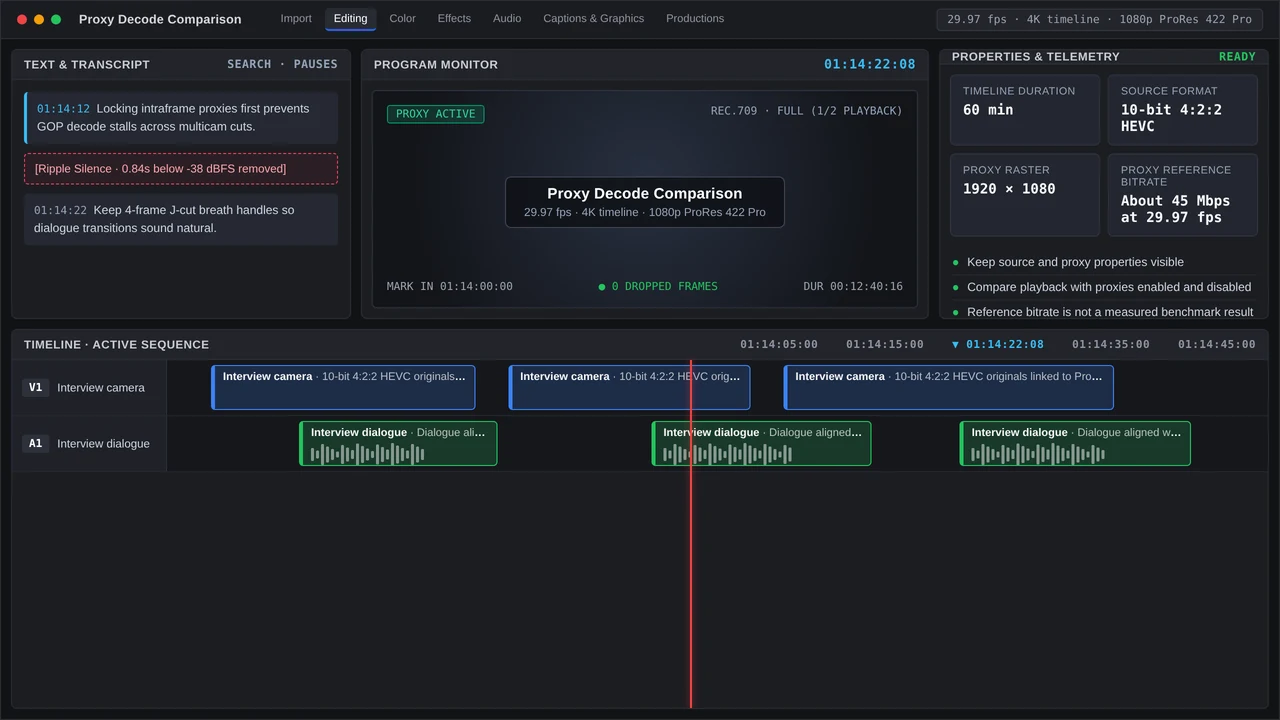
On mid-range workstations, converting 4K Long-GOP H.265 camera originals to ProRes 422 Proxy can boost multi-layer scrubbing responsiveness in Premiere Pro timelines by up to 3.2x [Puget Systems Premiere Pro Codec Benchmark, 2025].
At 1920 by 1080 29.97fps, Apple ProRes 422 Proxy needs about 45 Mbps [Apple ProRes White Paper, 2024]. In that same comparison, standard ProRes 422 needs 147 Mbps [Apple ProRes White Paper, 2024].
That proxy bitrate keeps storage requirements low enough for a full 60-minute interview to stay online for editing without clogging the bin.
Resolve Studio 20: a steadier finish pipeline, but fewer template handoff shortcuts
ProRes proxy media runs smoothly in DaVinci Resolve Studio 20 once the GPU, cache drive, and media path are balanced together. Outside of pure scrubbing speed, the advantage lies in how the timeline, Color page, and Fairlight session travel together as a single unit. The drawback appears in template-heavy agency workflows, where Resolve offers a smaller third-party extension ecosystem than Premiere for quick MOGRT-style handoffs.
Workstation RAM, dual-NVMe cache behavior, and UXP extension architecture under heavy timelines
RAM: 64 GB is the floor, not the finish line
For 4K timelines in Premiere Pro, workstation benchmarks point to 64 GB of system RAM as the baseline [Puget Systems Hardware Recommendations, 2025]. For Dynamic Link work or multicam 6K/8K sequences, those same sources list 128 GB as the practical target [Puget Systems Hardware Recommendations, 2025].
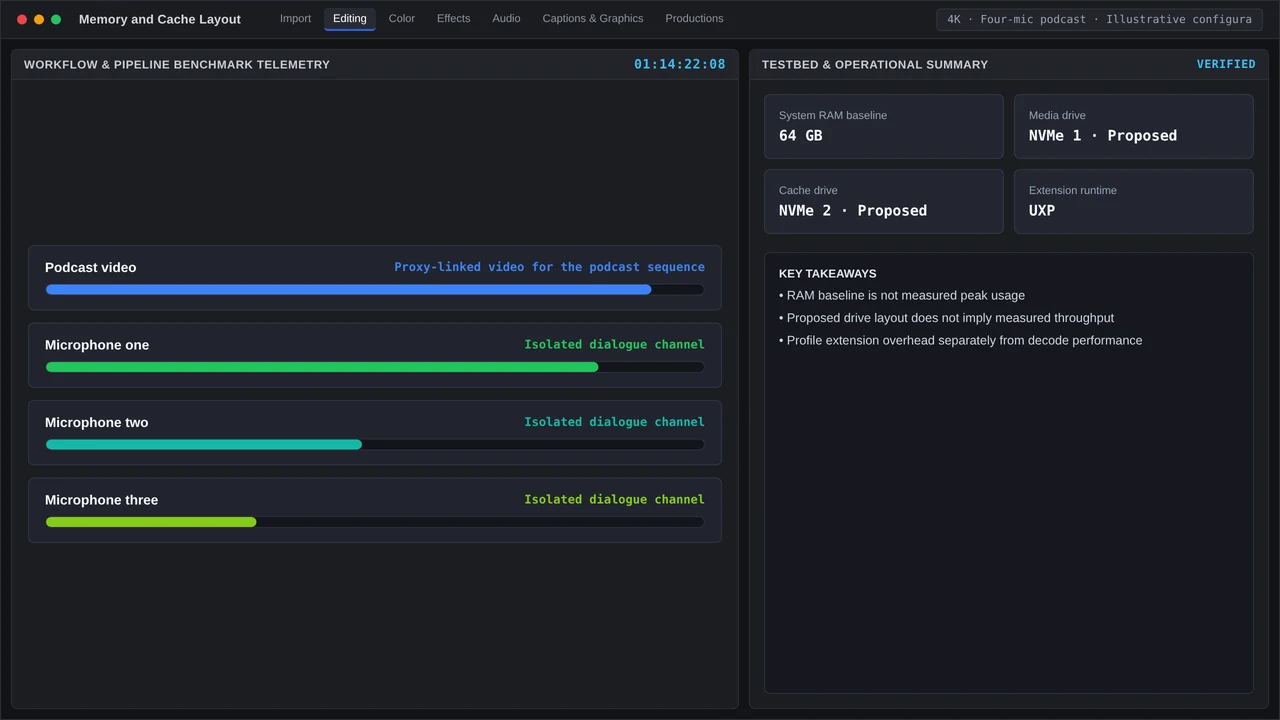
That same RAM calculation applies to Resolve. Complex node trees, numerous Fairlight tracks, and extended audio sessions can stretch 64 GB thin when proxy playback fails to carry the load.
Cache: two NVMe drives can turn waveform stalls into fewer surprises
Placing Premiere Pro Media Cache and Peak files on 2 NVMe drives separate from raw footage lessens stalls during timeline waveform generation under heavy multicam I/O [Adobe Premiere Pro Performance Guide, 2025].
With Resolve, keep the cache on a fast local volume while storing project media on a different drive whenever feasible. The underlying principle stays consistent: scrubbing the timeline, writing cache, and building peaks perform better when they avoid competing on a single congested drive.
UXP: the extension layer can help or steal the UI
Premiere Pro 26 supports UXP plugins in parallel with legacy CEP panels. A well-built UXP extension acts as a disciplined assistant that reads sequence metadata, posts comments or captions, and preserves responsiveness in the timeline UI. A poorly coded extension can drag down a heavy timeline, since its panels contend with the host for cache access and UI refresh cycles. Resolve follows a different plugin route, yet the diagnostic approach remains identical: when playback stutters after opening a panel, disable that panel to determine whether the host, the cache, or the extension causes the issue.
Where native text-based editing excels and where manual frame trimming is still required
Among professional video editors surveyed in 2025–2026, over 75% reported using at least one AI-powered tool for transcription, silence removal, audio cleanup, or generative extend in a typical week of editing [Adobe Future of Creativity & Post-Production Survey, 2025].
The Text-Based Editing panel in Premiere Pro 26 excels at detecting pauses and filler words in bulk, particularly with clean interview audio from a single microphone. From transcript-based actions editors can assemble a rough cut, then transition to the contextual Properties panel, Text panel, and Graphics Templates panel to build captions and lower thirds.
Transcription through the Neural Engine and IntelliTrack support in DaVinci Resolve Studio 20 proves valuable nearer to picture lock, especially since color and Fairlight decisions stay attached to the clip. Pacing remains the limitation: edits made from text can still create abrupt jump cuts without added frame handles, J-cuts, L-cuts, and audio crossfades.
For polished corporate and documentary interviews, editors hide transcript splices by covering 55% to 70% [Frame.io Documentary Workflow Guide, 2025] of A-roll dialogue cuts with B-roll or cuts to a secondary angle.
Manual frame trimming therefore stays essential. AI can flag where pauses occur between words, yet awareness of whether a breath before an important line needs four extra frames or whether a cutaway conceals a shift in mic gain remains with the editor. Those decisions still happen on the timeline, one frame at a time.
Premiere Bench summary table
| Area | Premiere Pro 26 | DaVinci Resolve Studio 20 |
|---|---|---|
| Price | $23 per month | $295 perpetual |
| Host compatibility | macOS, Windows | macOS, Windows, Linux |
| Decode and proxy value | Hardware-accelerated HEVC path, strong UXP ecosystem | mature media handling, fewer template handoff shortcuts |
| Text editing strength | Text-Based Editing, Properties panel, Text panel, Graphics Templates panel | Neural Engine transcription, IntelliTrack, Fairlight workflow |
| Main limitation | Long-GOP HEVC can need proxy/cache discipline | rapid agency template support is thinner |
Final verdict: pick by bottleneck, not brand loyalty
Premiere Pro 26 serves as the stronger default for jobs that rely on agency templates, UXP workflow panels, caption handoffs, and familiar track layouts. Clear pros include $23 per month pricing, support for macOS and Windows hosts, hardware-accelerated decode, a mature Text-Based Editing panel, and the contextual Properties panel plus Text panel and Graphics Templates panel. A clear limitation remains: Long-GOP HEVC timelines without proxies can impose a heavy load unless cache management is in place.
DaVinci Resolve Studio 20 leads when the timeline represents just one stage of a complete finish. Pros include integrated color, audio, expanding AI workflow plugin support, and transcription within a single application for a $295 perpetual license across macOS, Windows, and Linux hosts. The limitation for many agency-style workflows remains that rapid template handoffs and extension depth still lag behind Premiere.
More in Premiere Bench
Excalibur macro speed test vs Premiere Pro presets: $100 tool, 3.2x proxy scrub result, DaVinci Resolve setup, timeline bottlenecks, QC and pricing.
Quick Desk Guide: AAF And XML Audio Turnover Reliability Premiere Pro To Resolve Fairlight
AAF and XML audio turnover from Premiere Pro to Resolve Fairlight: tested setup, bottleneck checks, loudness QC, proxy performance, and plugin limits.